
(Monday, 18th of September 2023)
We are pleased to announce the latest update for vSTAGE, Version 3.1.0. This release introduces a suite of new features, optimizations, and improvements designed to enhance your user experience.
New vSTAGE features:
- Advanced Rendering Pipeline: Experience vastly improved graphics with our newly-implemented rendering pipeline.
- Multiplayer Integration: We’ve introduced robust multiplayer capabilities, offering seamless collaboration and interaction within the software.
- Enhanced Camera Panning: Navigate your projects with greater ease thanks to our new camera panning functions.
- Intelligent Linking and Aligning Functions: Simplify your workflows with new tools that enable easy linking and alignment of 3D objects.
- Placeable Light Source: Gain more control over your lighting conditions with our new feature that allows for custom light source placement.
- Placeable Rotation Utility: Introducing a new utility that offers a range of options for rotating objects more effectively.
- Extended Slide Settings: This update includes multiple new slide settings, giving you more flexibility in presentation and navigation.
- User Interface Enhancements: We’ve improved the user interface, incorporating several optimizations to facilitate a more intuitive and efficient user experience.
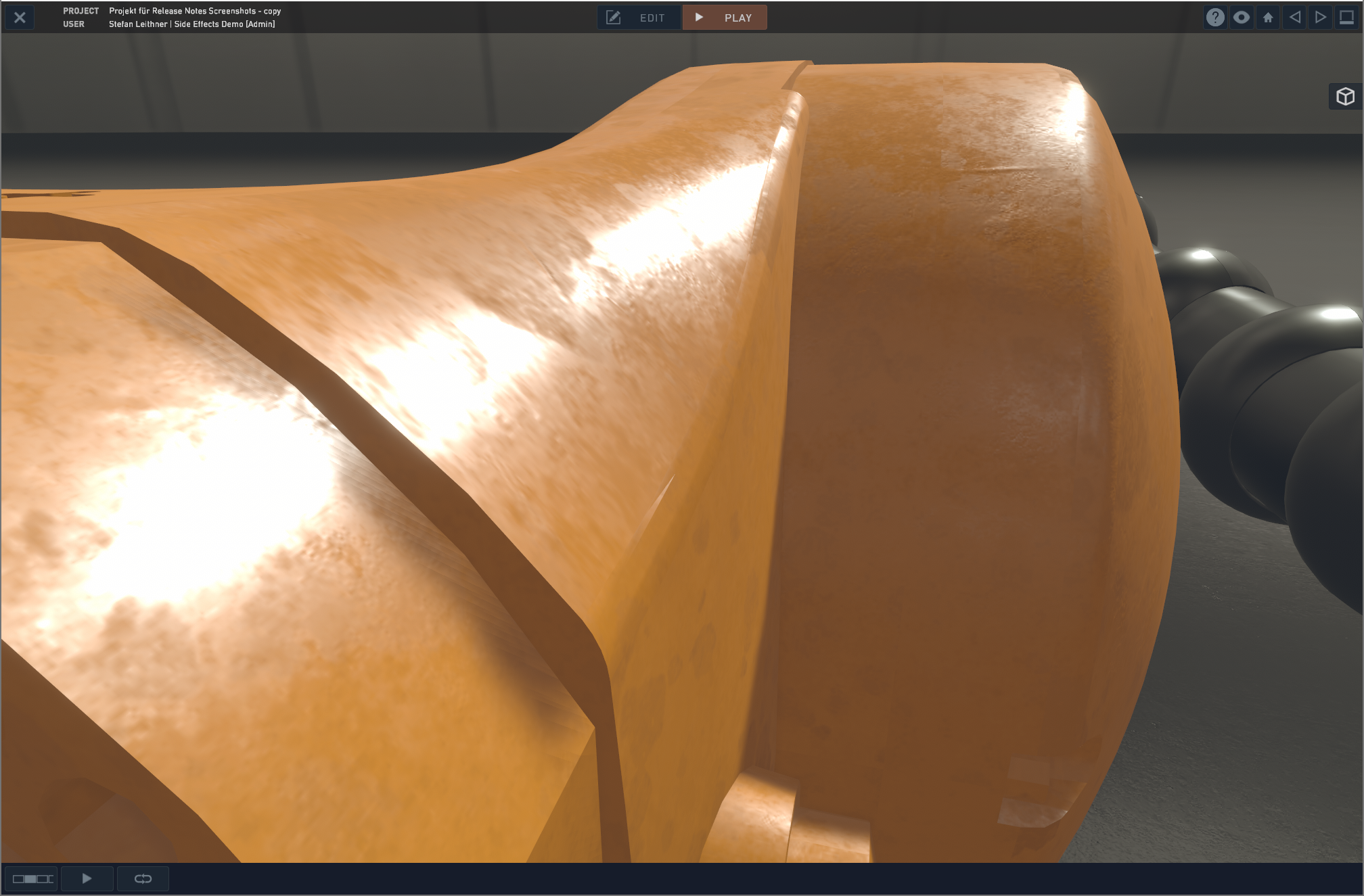
New vStage 3.1
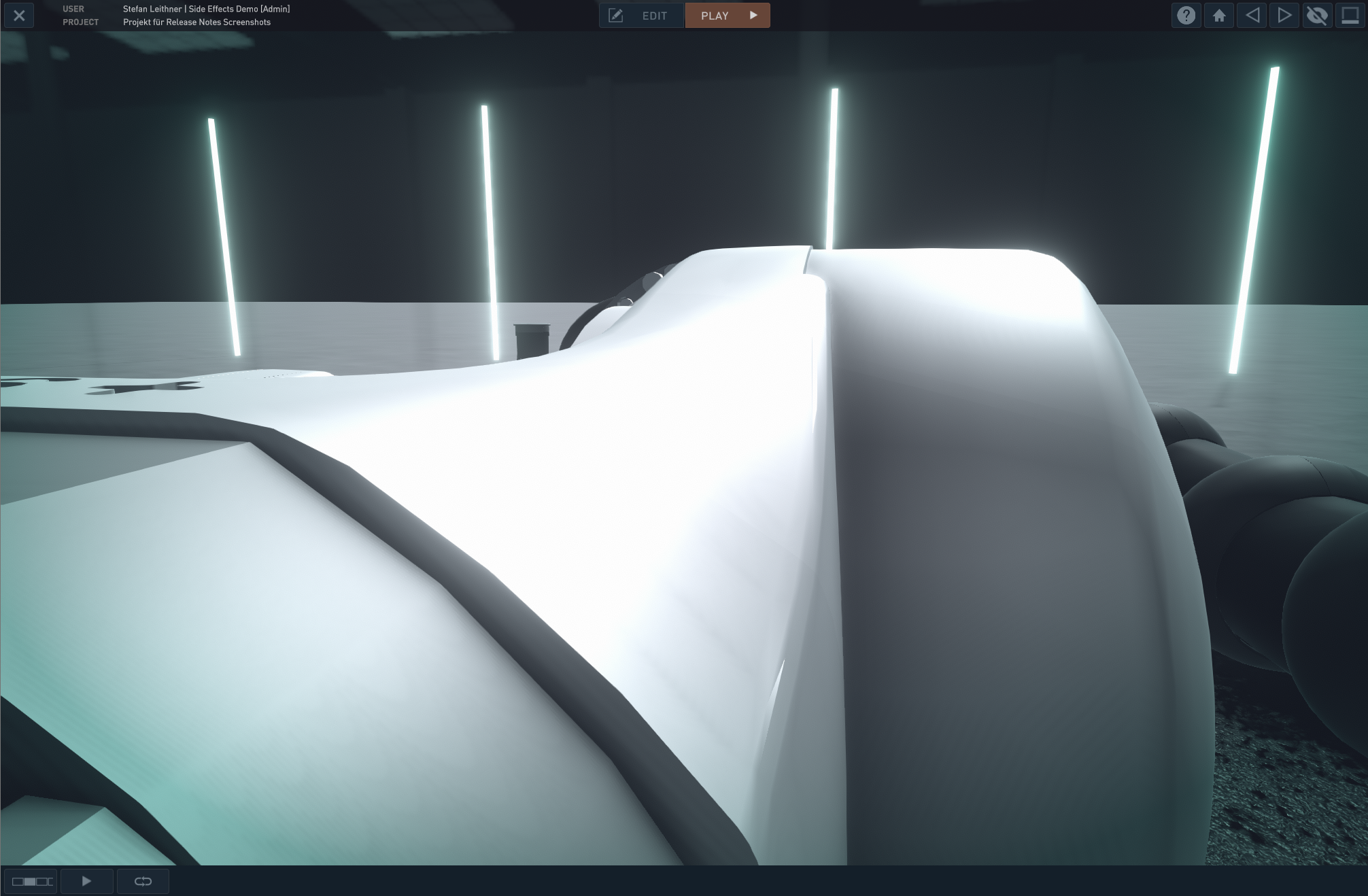
Old vStage 3.1
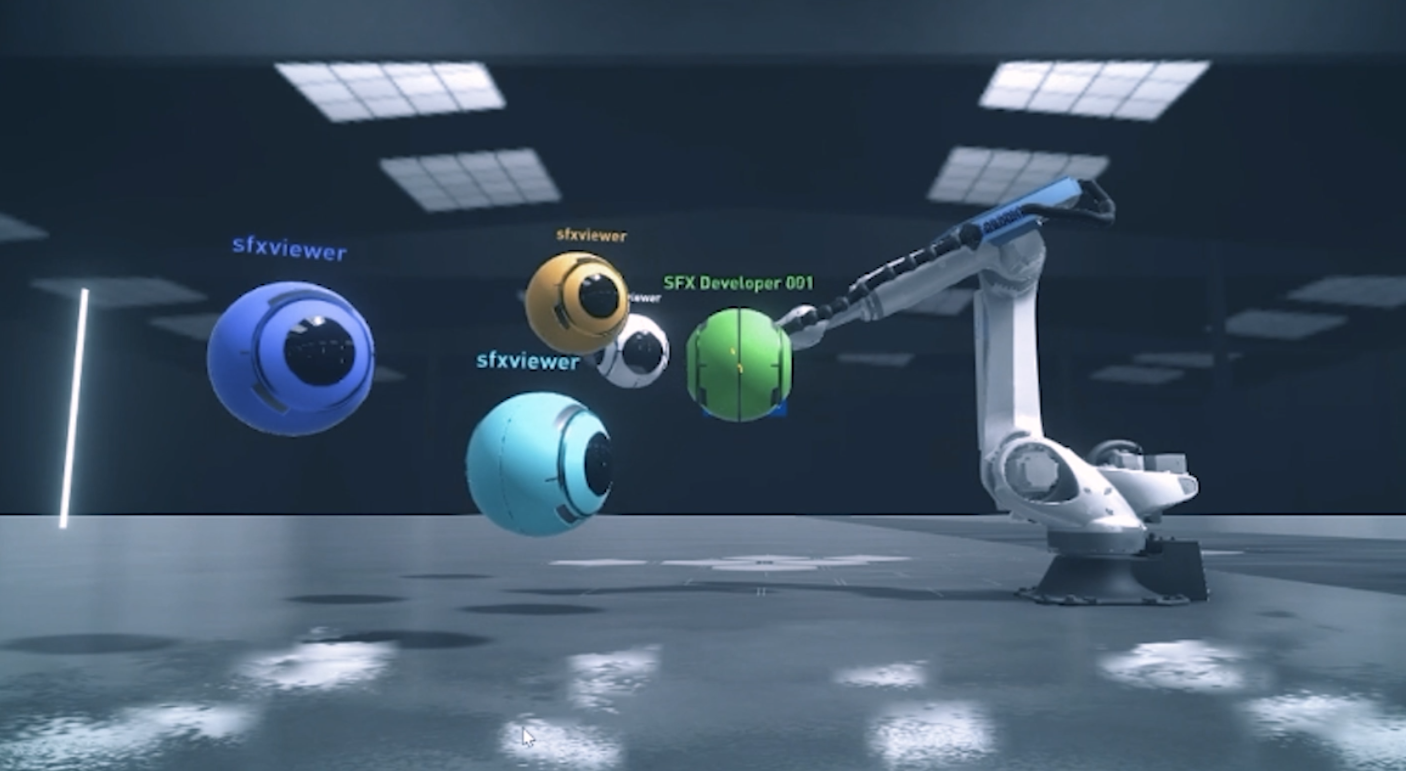
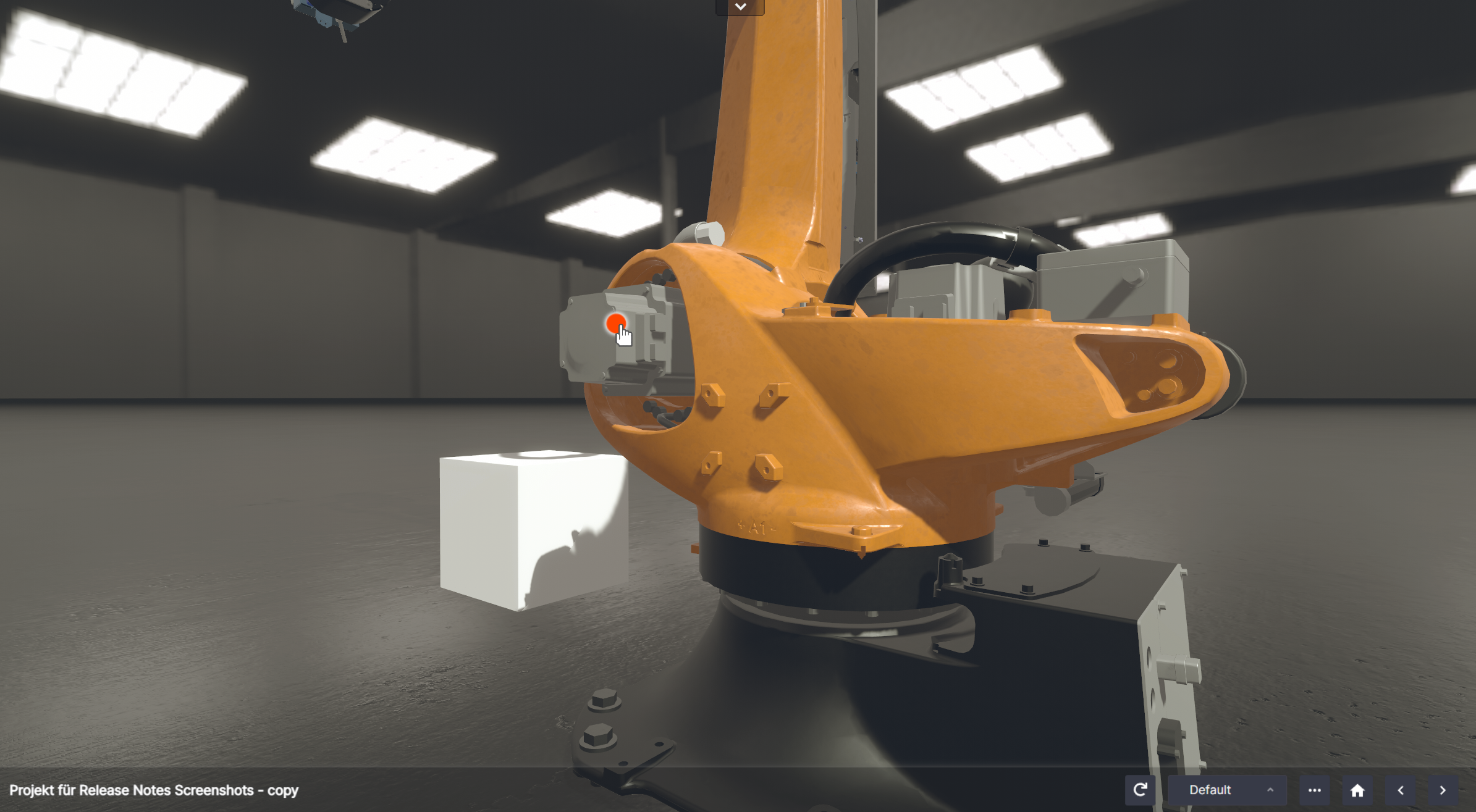
vDrone’s are users that are connected with computers or tablets
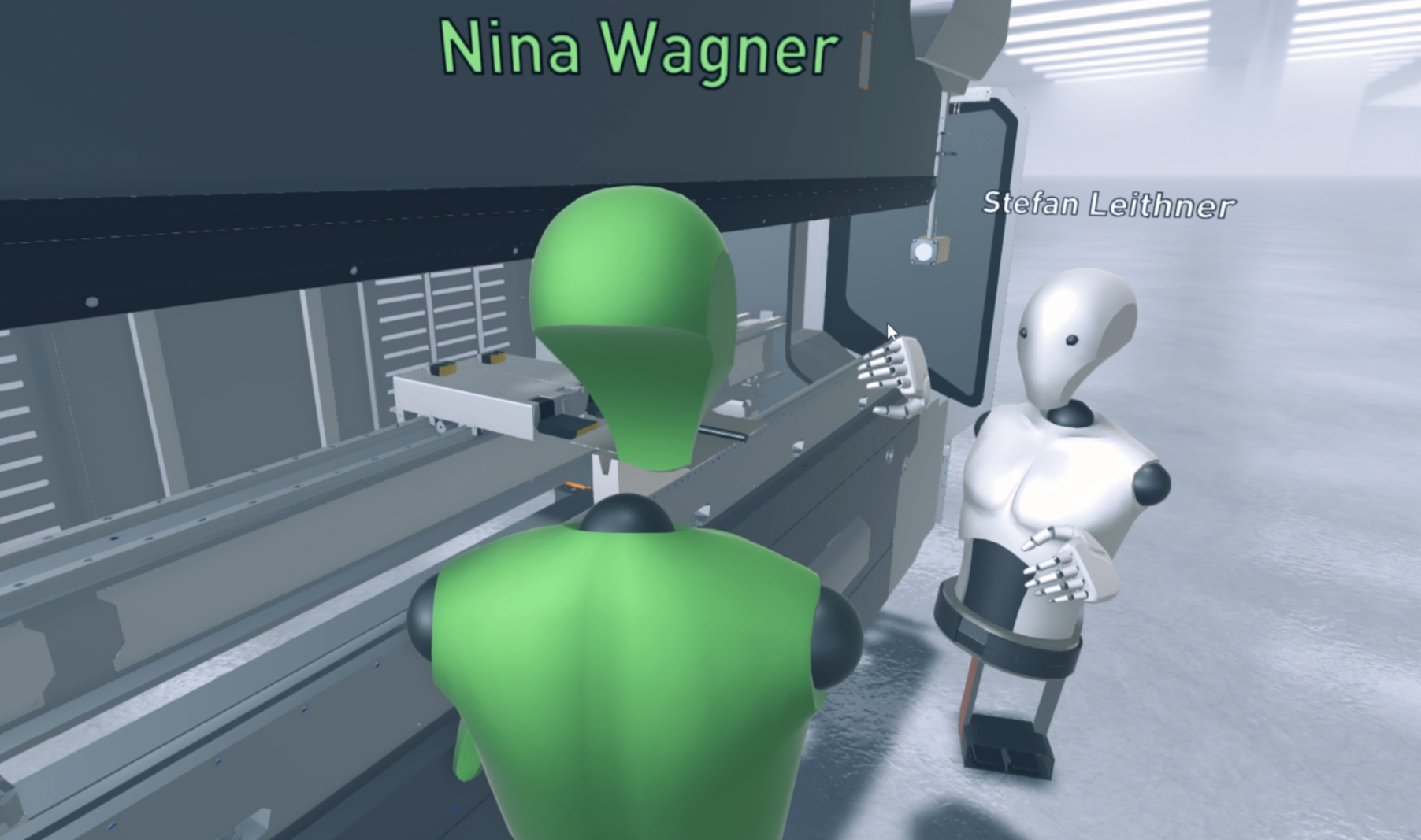
vBot’s are representations of VR users
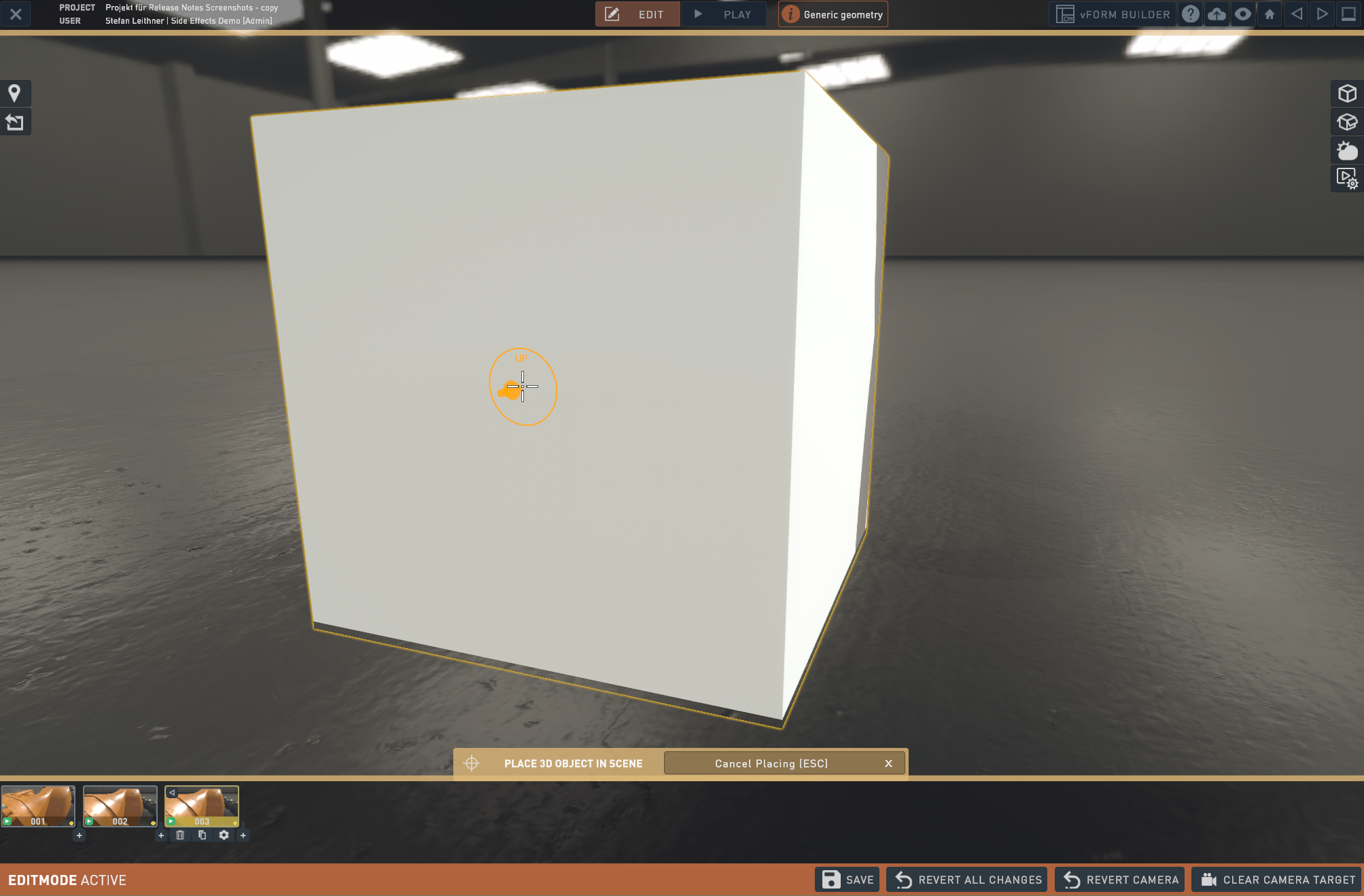
Alignment Visualizations
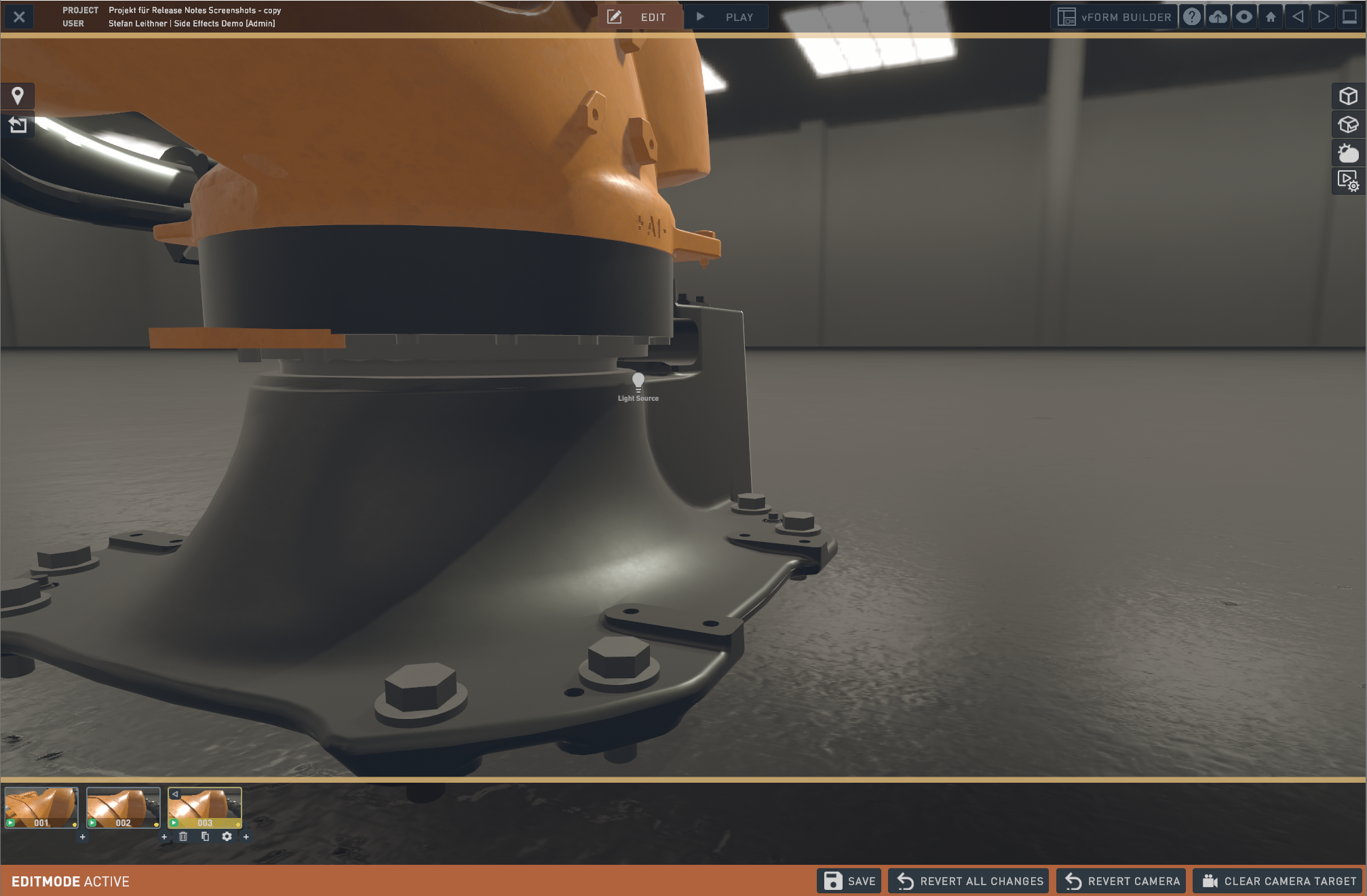
Before light source is added
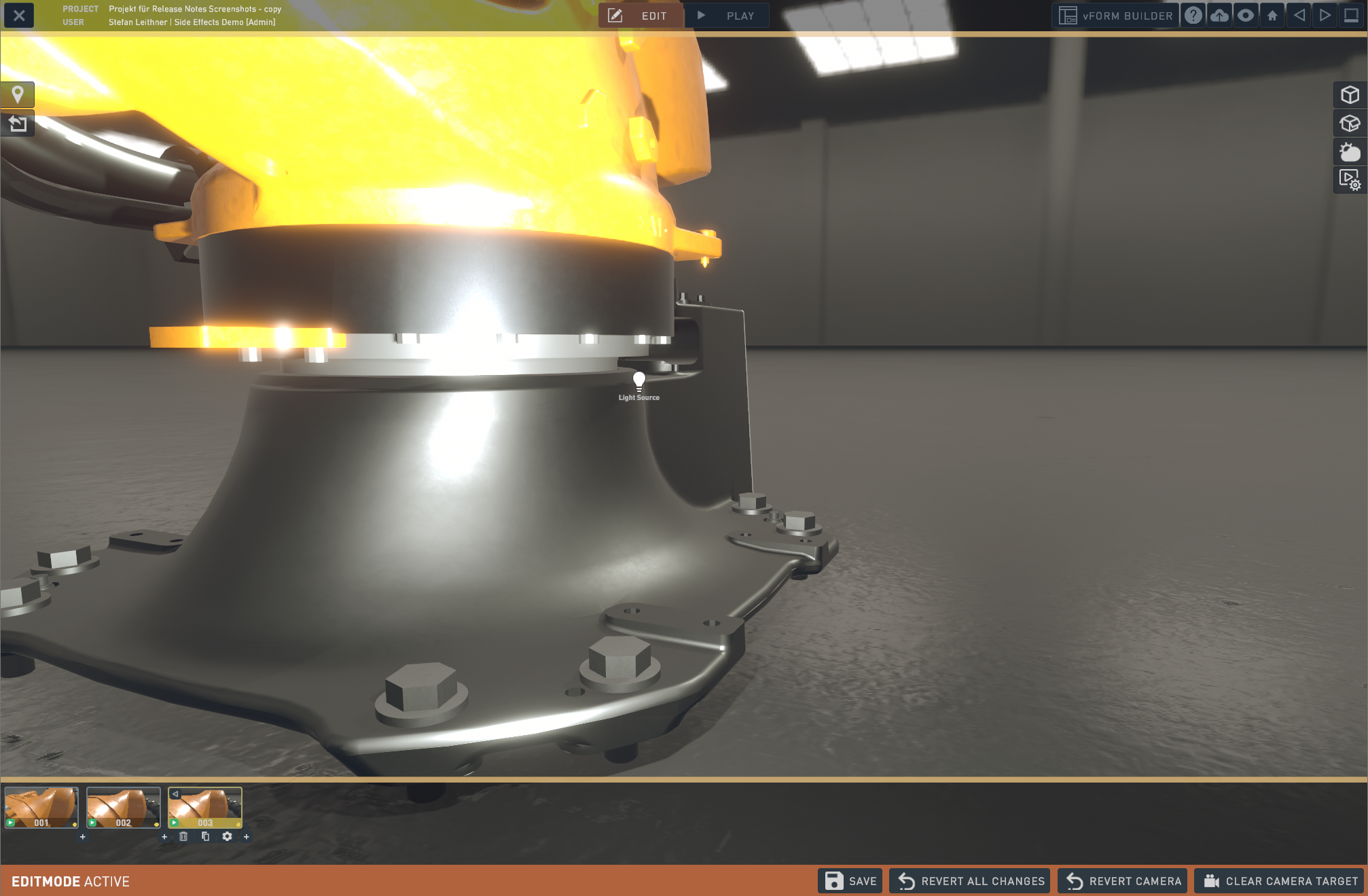
After light sources is added
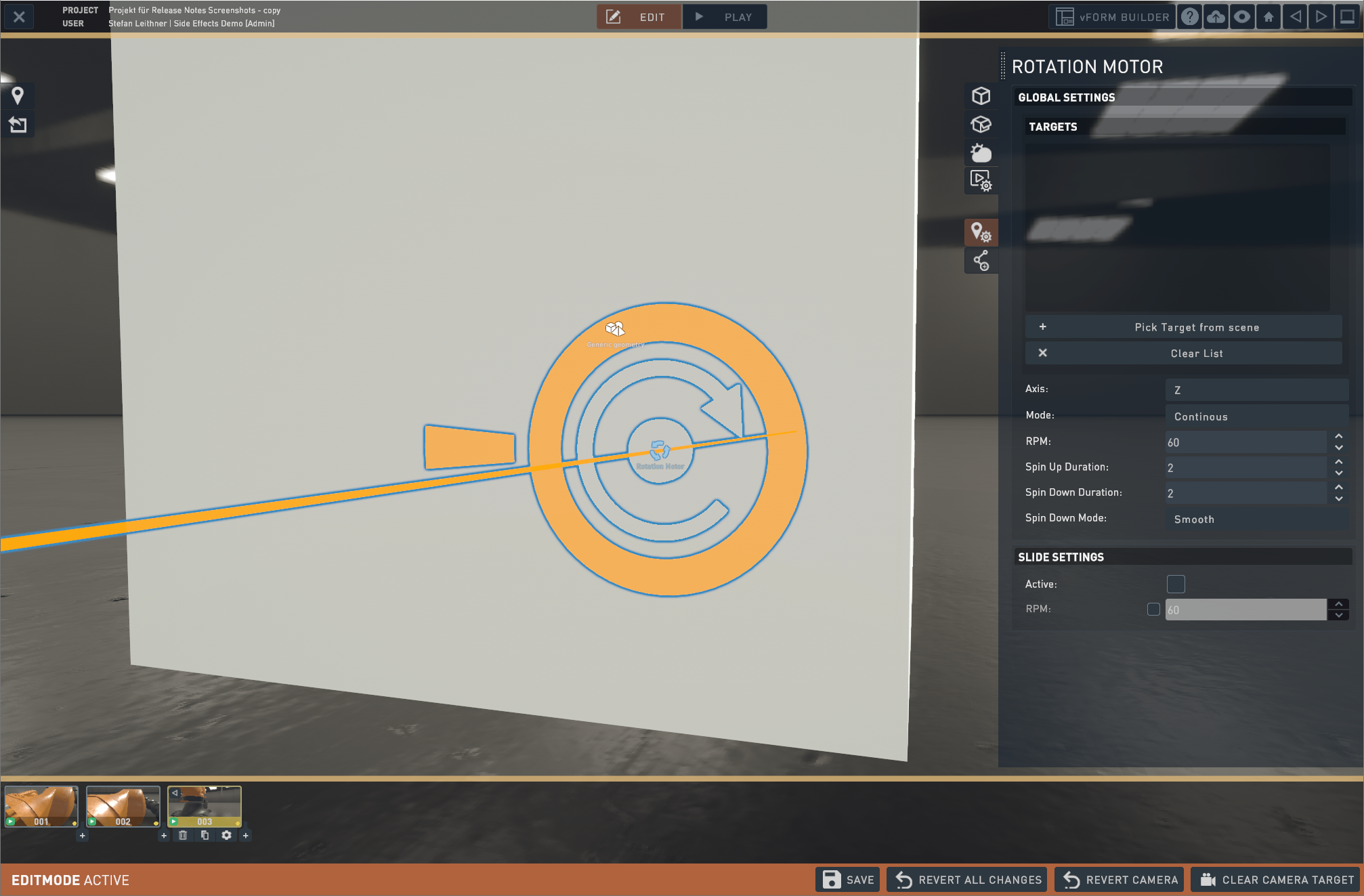
Rotation Motor including Settings
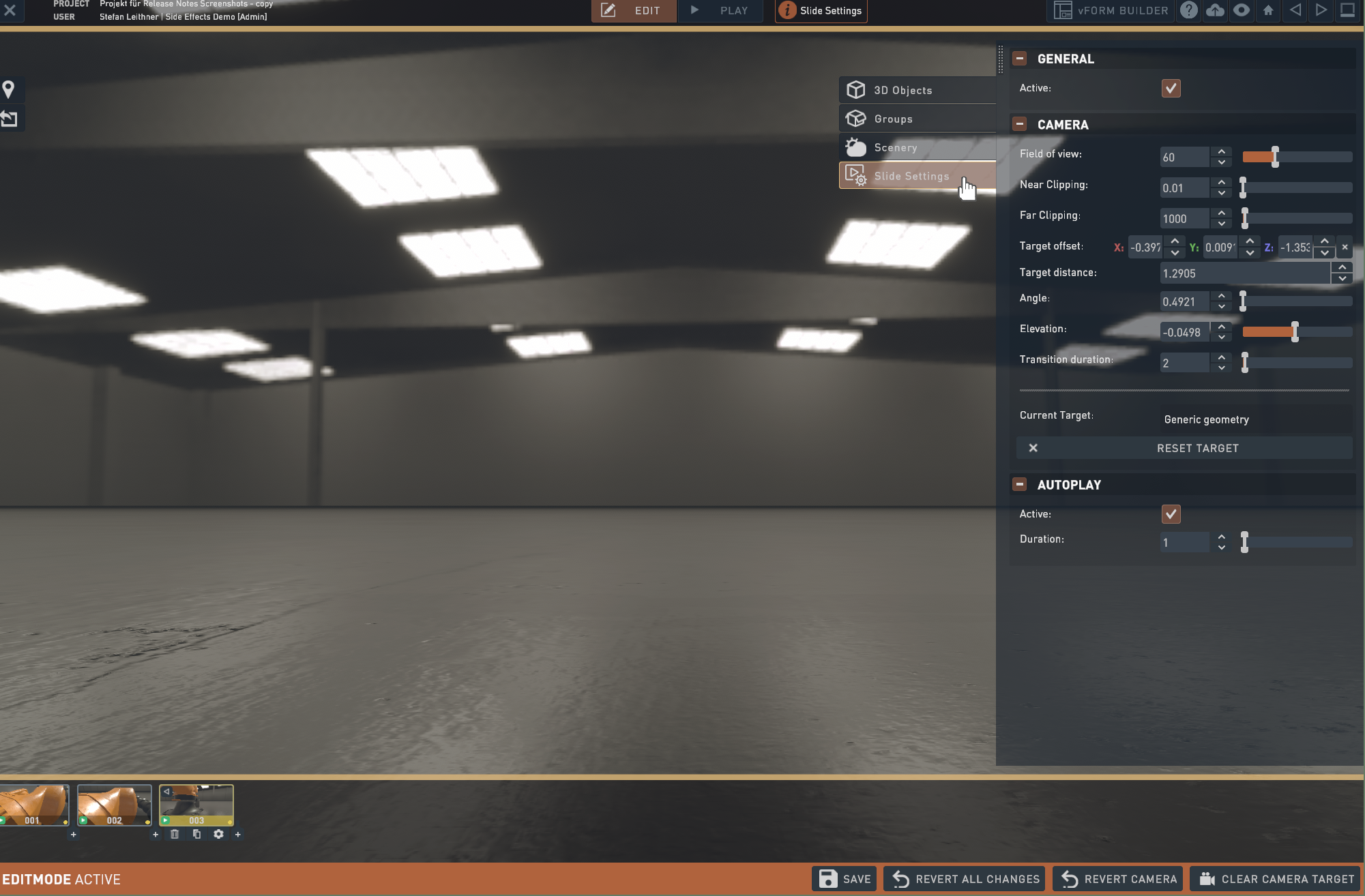
Advanced Slide Settings
Advanced UI Interface
New vFORM features:
- Global panels: which appear on all steps. You can also define if they shouldn’t be shown on a certain step.
- Pin to bottom: This new feature can be applied to panels, so they are always aligned at the bottom.
- Auto fit: Thisfeature can be applied to panels, so the panel has exactly the size, to fit the content.
- Rounded corners: Panels Corners can now be rounded for different looks and feels.
- Styling: Headings can have custom background colors and come in three different font sizes, so subtitles are possible, too.
- New “form summary” block: This Block sums up the questions the user has answered.
- Custom fonts: Forms can now also have custom fonts – there are a few web safe fonts selectable by default, but you can also upload a new font by going to Library->Media->add Media and select “font” as the type. There you can upload multiple files based on their font weight and cut. After that you can select them easily from the vforms. As with any item you upload; please make sure your fonts are licensed properly for that usage.
- Radiobutton Actions: Radiobuttons can now also have an action like going to another step when clicked.
- Video Transitions: On request there is the possibility to have the transitions as videos instead of still images.
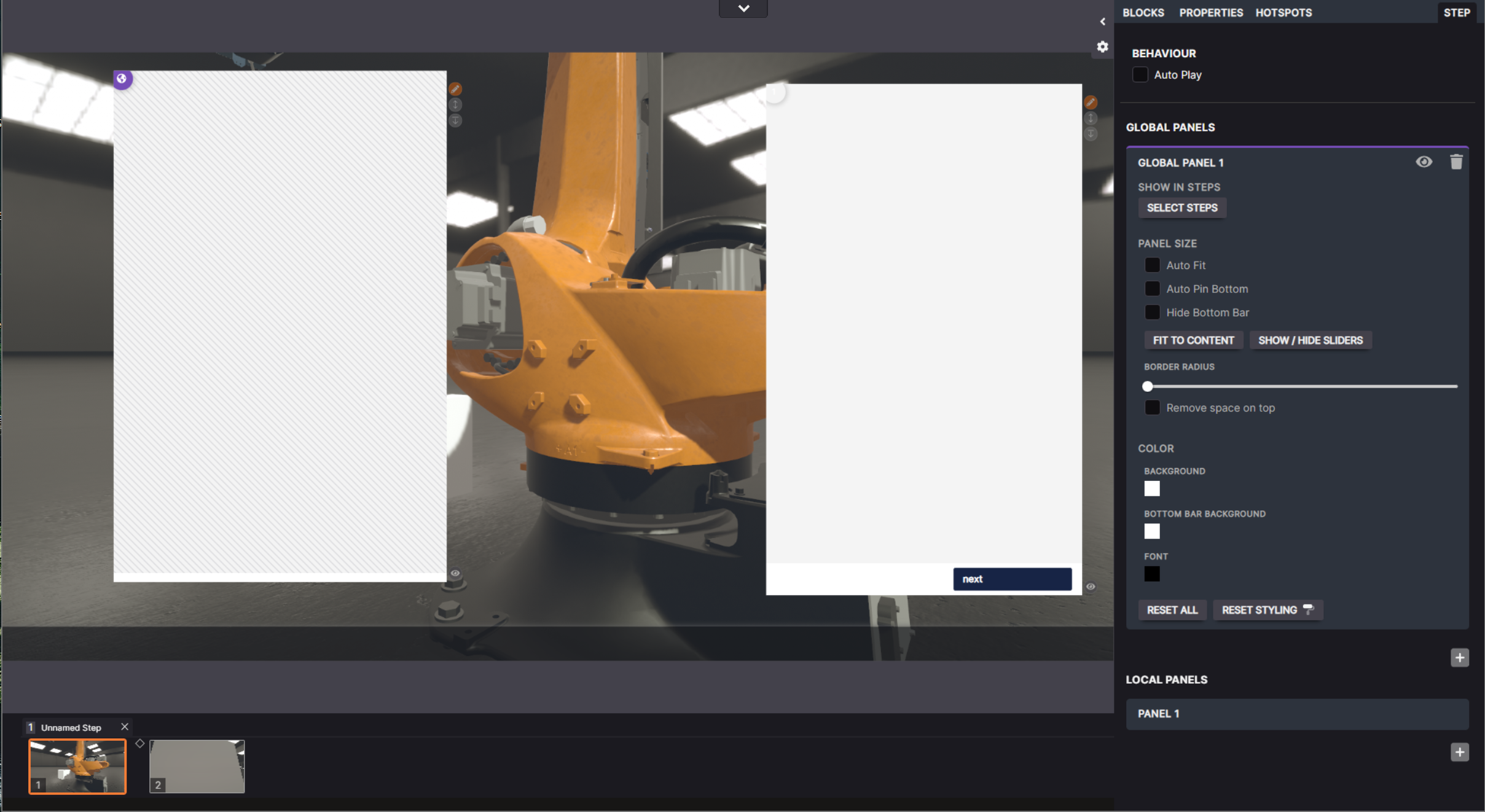
Global Panels are hatched
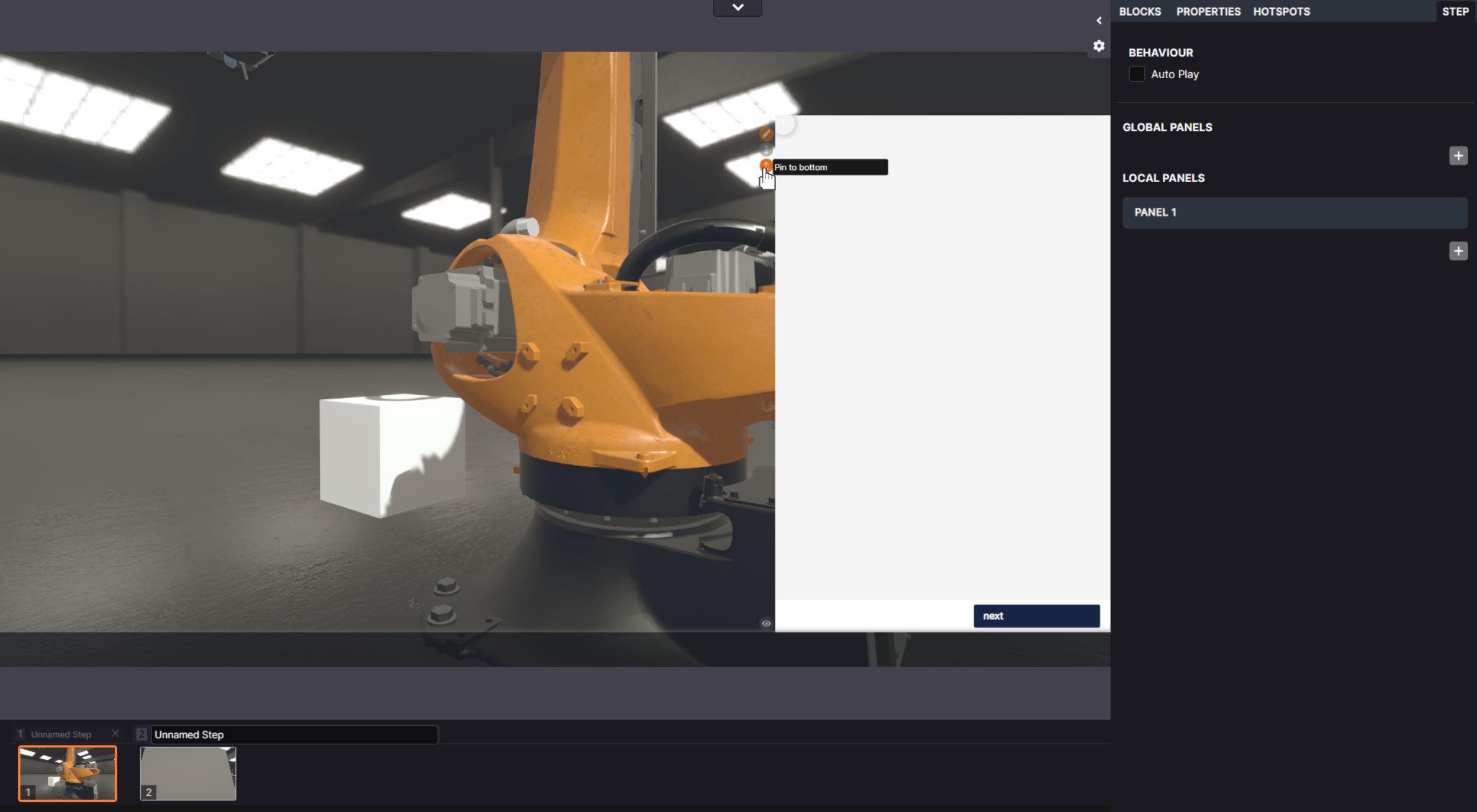
The option: “pin to bottom” is displayed on the side of your panel and in the panelsettings
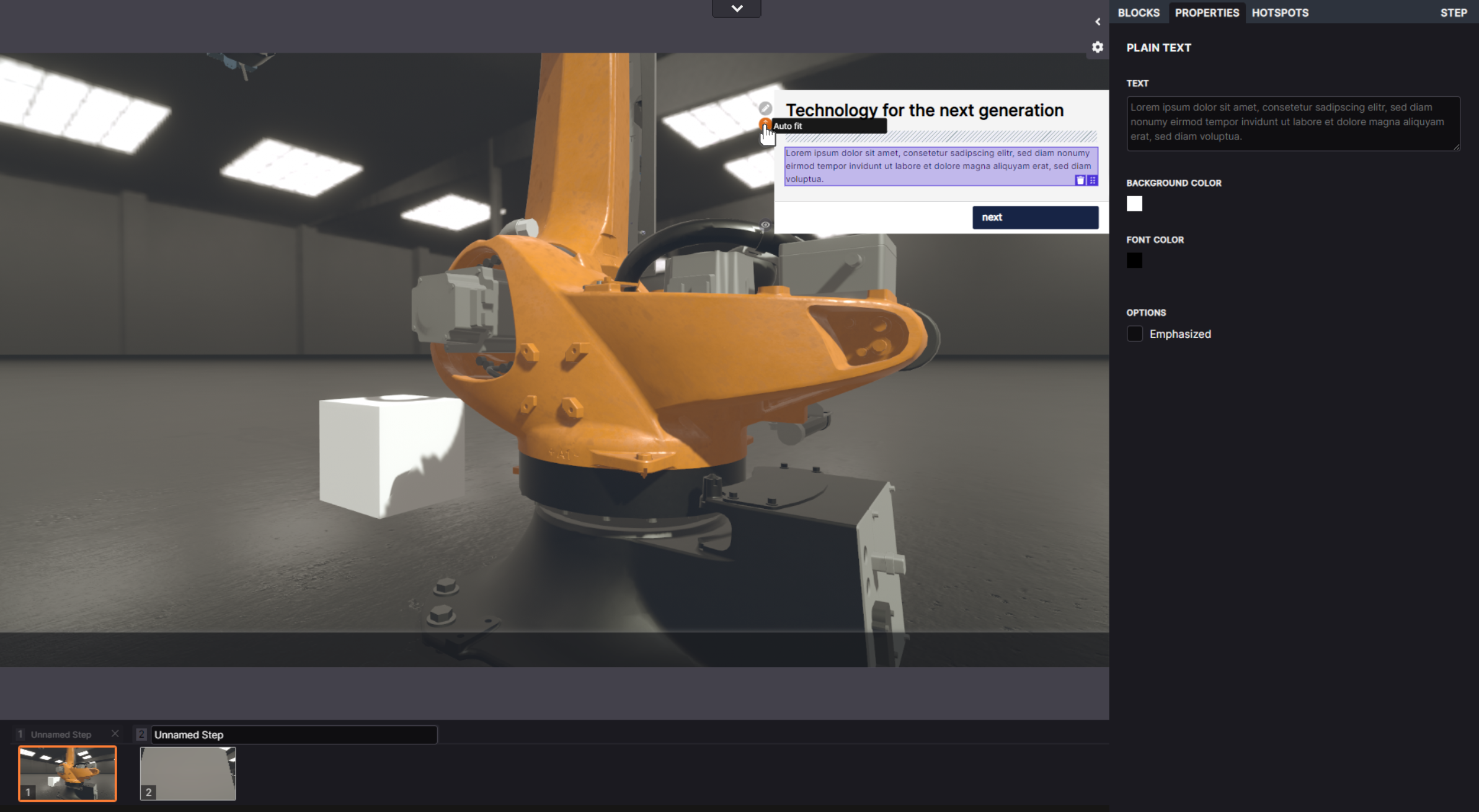
“Auto-fit” can be applied from the icon next to the panel or in the panel settings
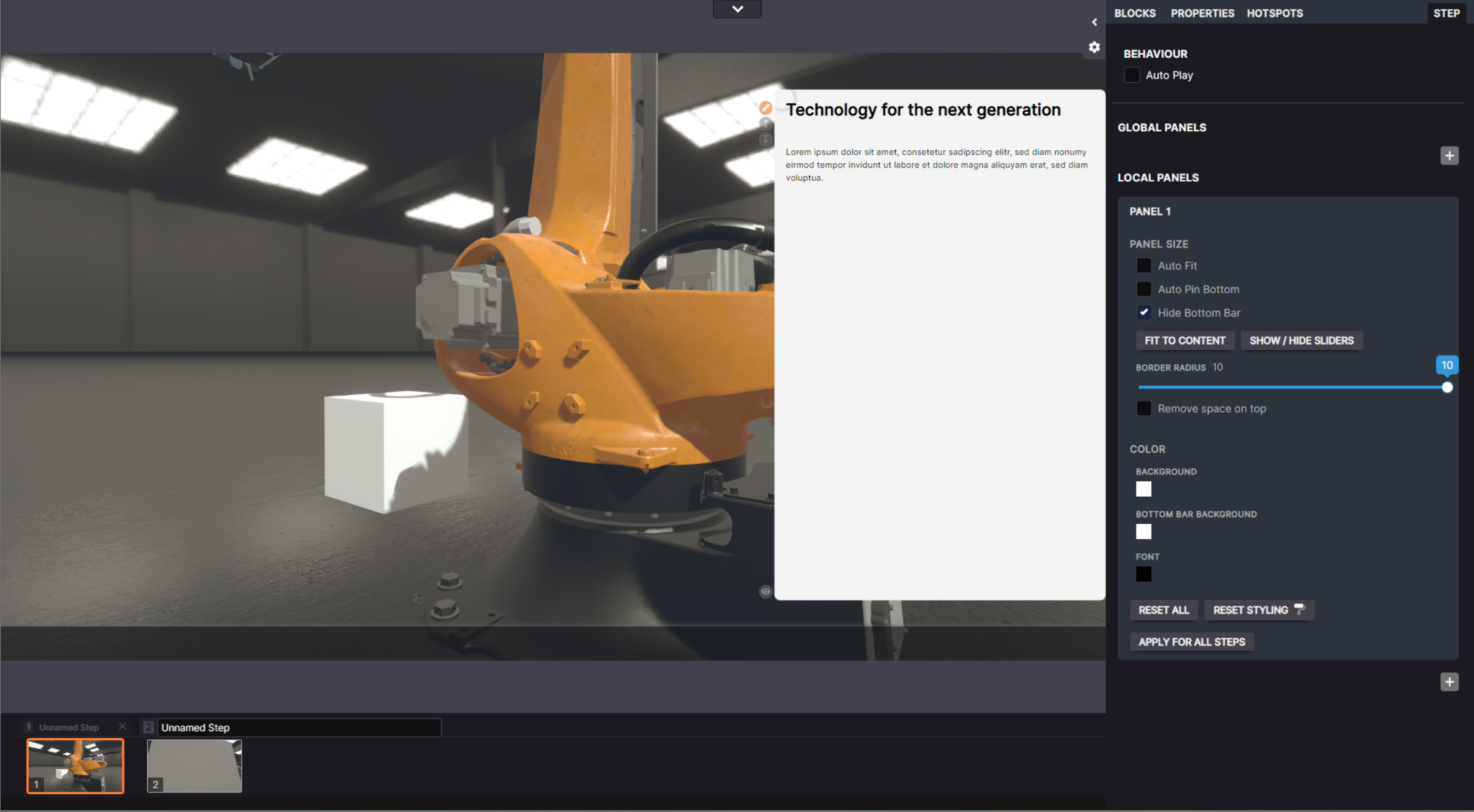
Rounded Corners can be applied in the panel settings
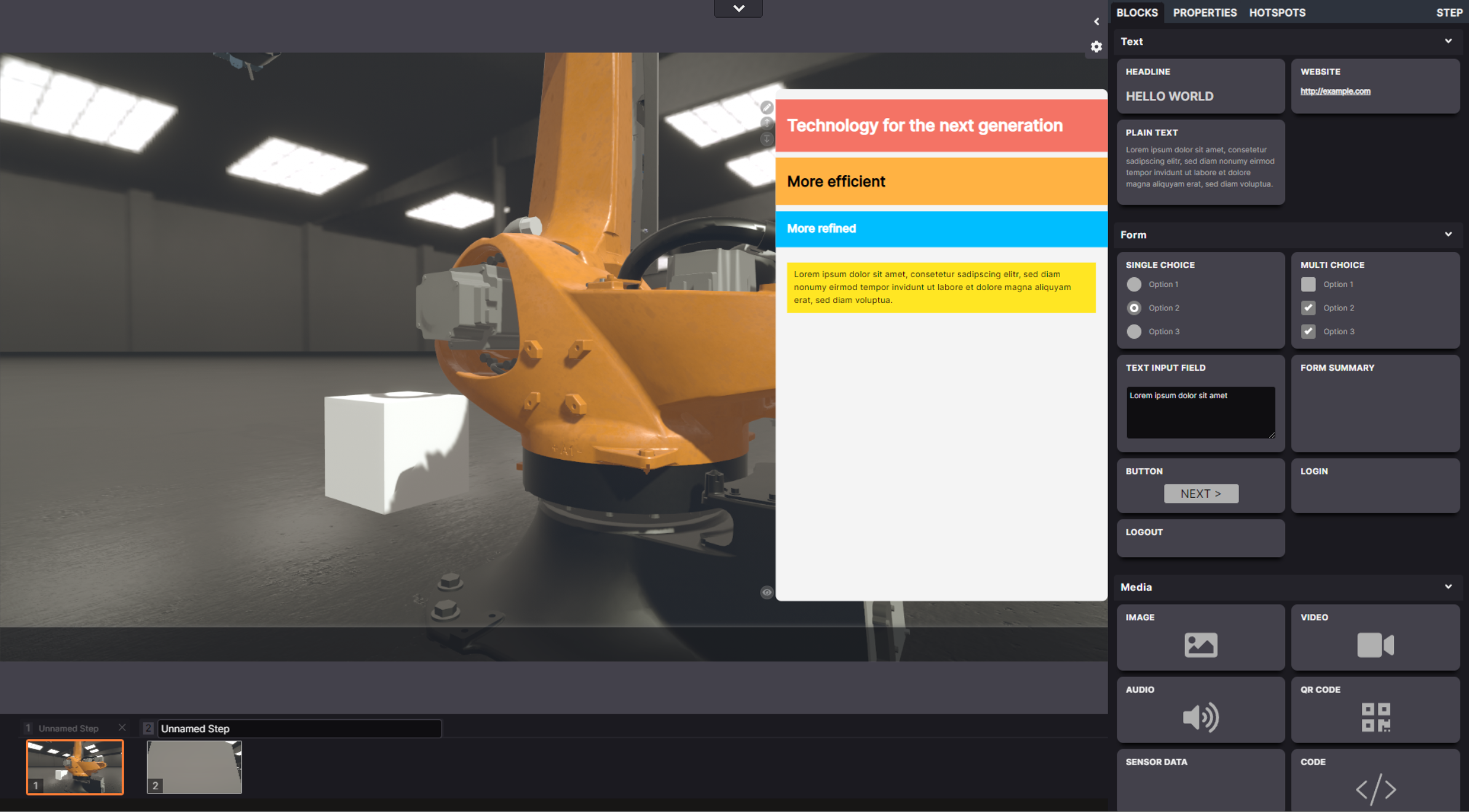
Styling is now more editable; all the values can be set in the properties tab
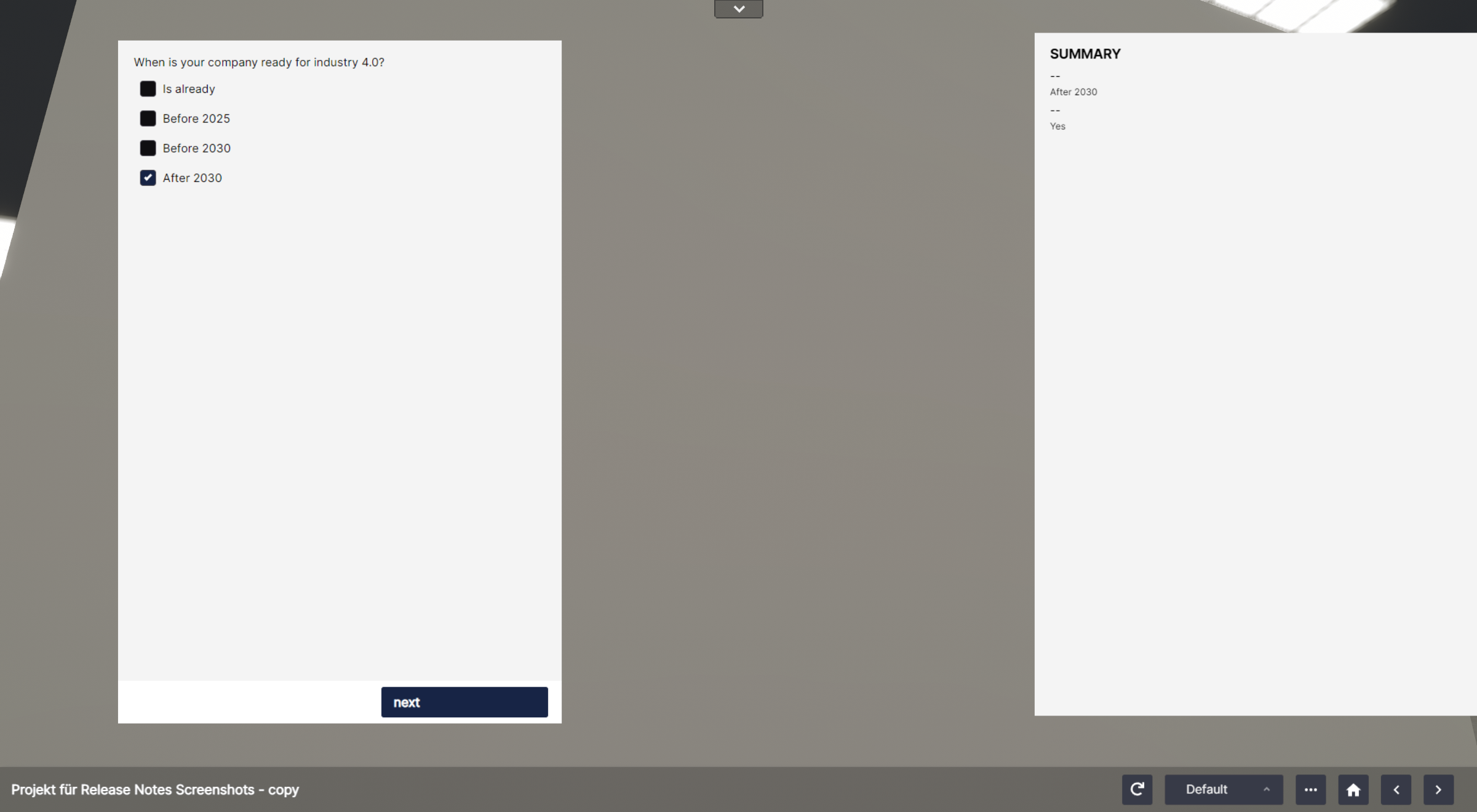
The “form summary” lists the selections from single and multiple-choice answers
Radiobuttons have now the possibility to trigger actions